Author: Sarah Chen, Food Tech Editor at CookGo | Last Updated: April 30, 2026
Have you ever found the perfect recipe on BBC Good Food, saved it to a chaotic browser bookmark folder, and never found it again? In 2026, that problem is solved. With AI recipe importer apps like CookGo, you can grab any recipe from any website in seconds, automatically organized and ready to cook.
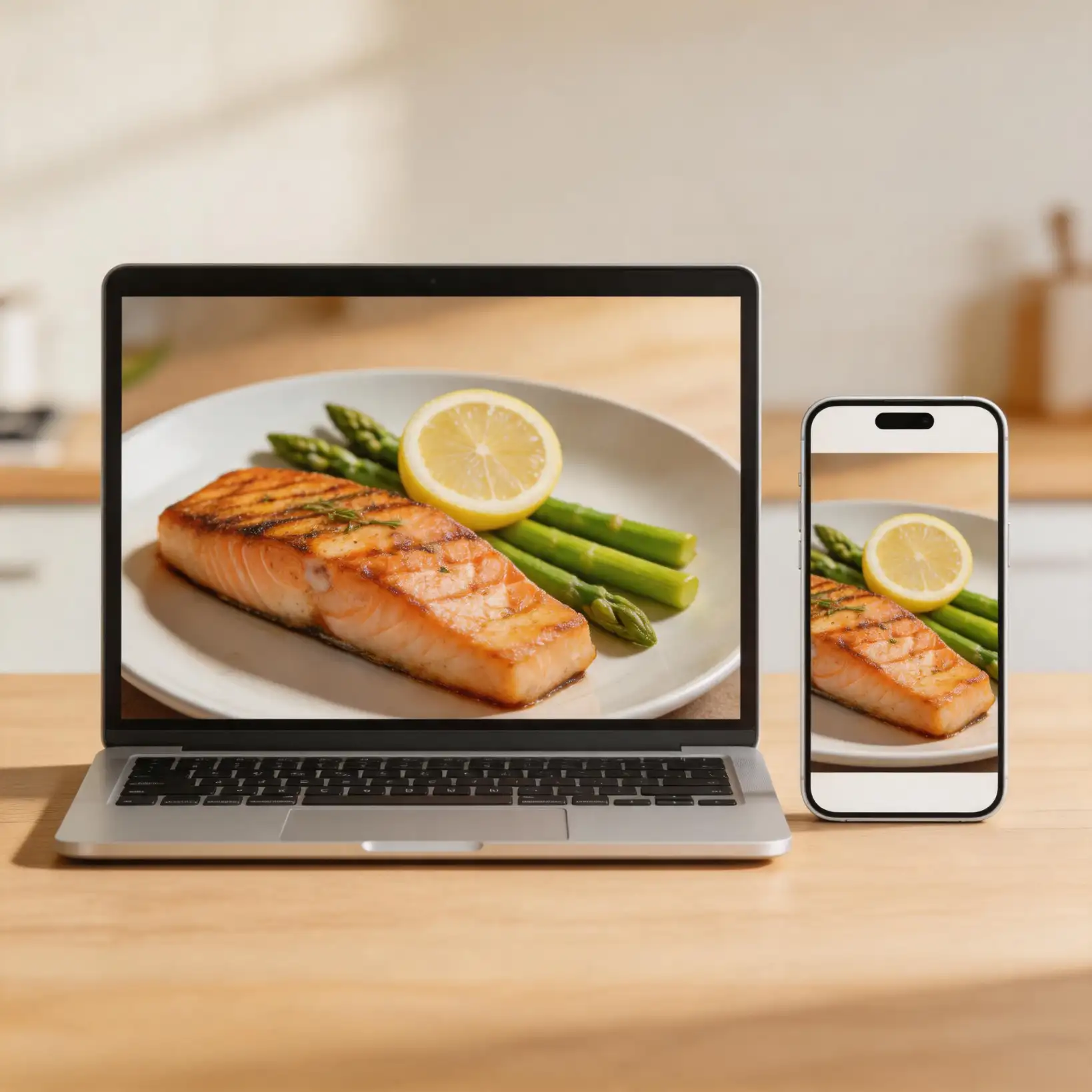
Why Recipe Organization Matters in 2026
Home cooking continues to be a cornerstone of healthy living. According to the World Health Organization, preparing meals at home is linked to better dietary quality. Meanwhile, the CDC emphasizes that healthy eating patterns start with knowing what is in your food. Yet with millions of recipes scattered across Instagram, Pinterest, food blogs, and recipe sites, keeping track of your favorites has never been harder.
Meet CookGo: The Best Recipe Organizer App of 2026
CookGo is an AI recipe importer and recipe scanner app designed for modern home cooks. Unlike traditional bookmarking tools, CookGo does not just save a link. It reads the recipe, extracts ingredients, steps, cook times, and serving sizes, then formats everything into a clean, easy-to-follow card.
How to Import Recipes from Any Website (3 Steps)
Step 1: Copy the Recipe Link
Find a recipe you love on any site such as BBC Good Food or The Kitchn. Copy the URL from your browser.
Step 2: Paste into CookGo
Open the CookGo app and paste the link. The AI recipe importer engine begins working instantly. Within seconds, CookGo parses the page, identifies the ingredients list, cooking instructions, prep time, and serving size.
Step 3: Save to Your Collection
Review the parsed recipe. CookGo presents a clean, formatted card. Tap save, and the recipe is added to your personal collection. You can tag it, add notes, or organize it into folders like "Weeknight Dinners" or "Holiday Baking."
Save Recipes from Instagram and Social Media
Food content on Instagram and Pinterest is everywhere, but these platforms are not built for recipe organization. CookGo solves this. Simply share the post link to CookGo, and the AI extracts the recipe text from the caption or comments, formats it, and saves it. No more screenshots cluttering your camera roll.
Convert Cooking Videos to Recipes
Cooking tutorials on YouTube and TikTok are inspiring, but following along while pausing a video is frustrating. Paste a cooking video URL into CookGo, and the AI transcribes the spoken instructions, timestamps each step, and creates a written recipe you can follow at your own pace.
Key Features That Make CookGo Stand Out
Universal Compatibility: Works with any recipe website, blog, or social platform.
Smart Parsing: AI recognizes ingredients, quantities, and steps even from poorly formatted pages.
One-Tap Save: Import and organize in a single action.
Offline Access: Saved recipes are available without internet.
Scale and Convert: Automatically adjust servings and convert units.
Frequently Asked Questions
Does CookGo work with any recipe website?
Yes. CookGo's AI recipe importer works with any site that contains structured recipe data, including popular platforms like BBC Good Food, The Kitchn, and thousands of independent food blogs.
Can I import recipes without manually copying links?
On mobile, use the Share Sheet. Browse a recipe in Safari or Chrome, tap share, select CookGo, and the recipe imports automatically.
Is my recipe data private?
Absolutely. Your personal recipe collection is stored securely and never shared.
Start Building Your Recipe Collection Today
Stop losing great recipes to the chaos of bookmarks and screenshots. With CookGo, every recipe you discover online becomes part of your permanent, beautifully organized collection.
About the Author: Sarah Chen is a food technology writer with over 8 years of experience covering culinary apps and home cooking trends. She has tested dozens of recipe organizer apps and contributes to CookGo's product education.