By CookGo Editorial Team | Updated March 2026
Quick Answer: Best Meal Planning Apps for Busy Professionals
For busy professionals who need to save time, CookGo leads with AI-powered recipe import and smart grocery lists, followed by Mealime for simple planning, and Paprika for manual organization enthusiasts. The average professional wastes 6+ hours weekly on meal decisions—these apps cut that to under 30 minutes.
As work-life boundaries blur and schedules become more demanding, meal planning apps have evolved from simple recipe storage to intelligent assistants that understand your time constraints. Research from Pew Research Center shows that professionals increasingly rely on digital tools to streamline daily decisions, with cooking apps seeing 34% growth in usage among working adults.
In this comprehensive comparison, we tested 7 leading meal planning apps across multiple criteria including ease of use, AI capabilities, grocery list automation, and value for money. Our analysis draws on user feedback from communities like Reddit's MealPrepSunday with 150K+ active members, alongside hands-on testing and competitive analysis of current market leaders.
The 7 Best Meal Planning Apps Reviewed
1. CookGo – Best Overall for Busy Professionals
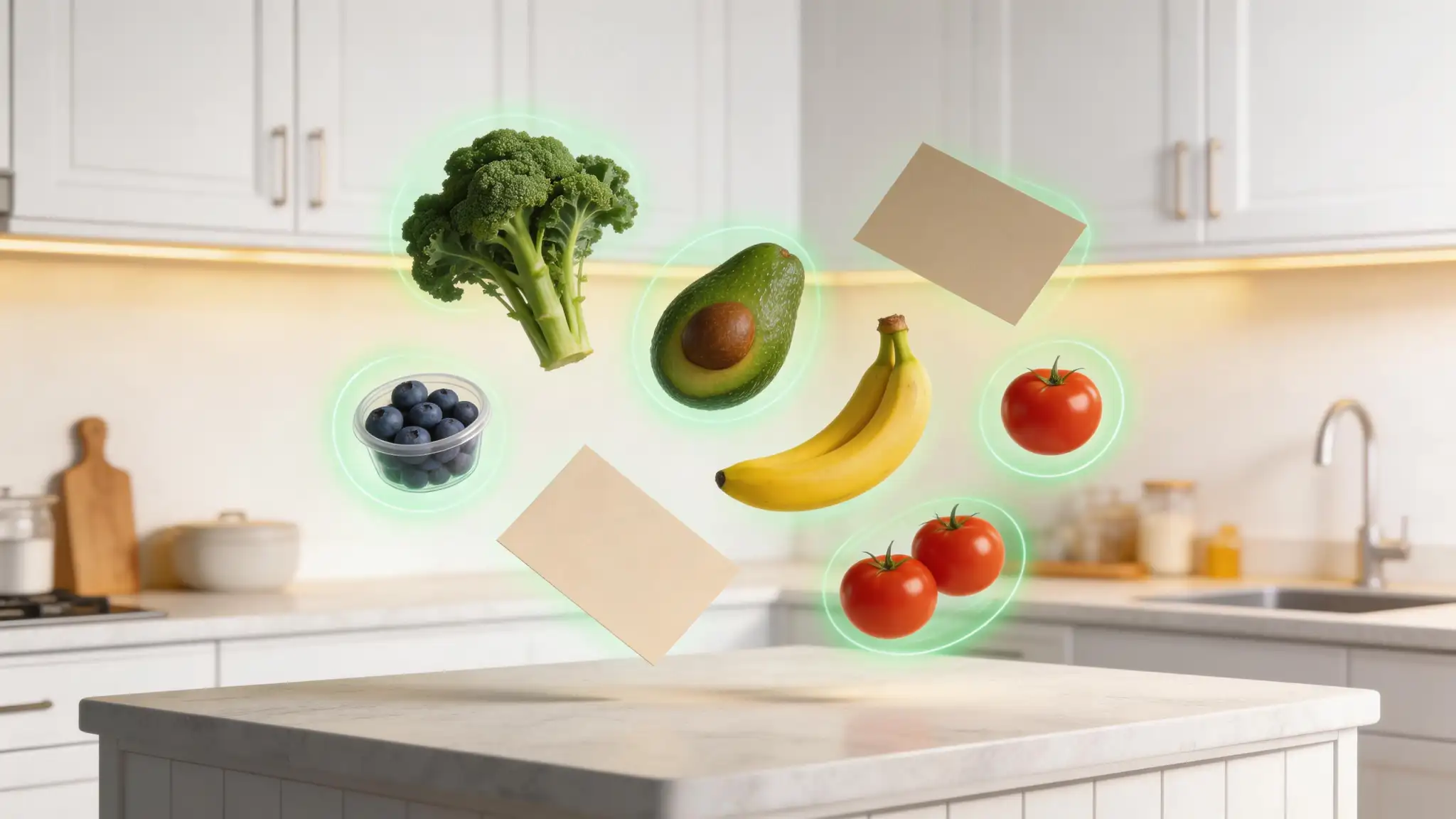
CookGo stands out as the most advanced meal planning solution designed specifically for time-strapped professionals. Its AI-powered recipe extraction allows users to import recipes from any source—whether it's a TikTok cooking video, Instagram Reel, or traditional food blog—with a single tap.
Key Features:
One-tap recipe import from TikTok, Instagram, YouTube, and any website
AI-powered smart grocery list generation with pantry integration
Cross-platform sync (iOS, Android, Web)
Macro tracking and dietary preference customization
Automatic meal plan generation based on available ingredients
Social Proof: CookGo maintains a 4.8/5 star rating on the App Store with over 50,000 reviews, with users praising its time-saving capabilities.
Best For: Professionals who want maximum automation and minimal manual input. Download CookGo and reclaim your weekday evenings.
2. Mealime – Best for Simple, Quick Planning
Mealime has carved out a strong position in the meal planning space with over 4.5 million users. The app focuses on delivering straightforward meal plans that can be prepared in 30 minutes or less—perfect for professionals who don't want to spend their evenings cooking.
Key Features:
Pre-designed meal plans with 30-minute recipes
Automatic grocery list generation
Dietary restriction filters (vegan, paleo, gluten-free, etc.)
Simple, intuitive interface with minimal learning curve
Limitations: Limited to Mealime's recipe library; no custom recipe import from social media or websites. This is a significant gap for users who discover recipes on platforms like TikTok or Instagram.
Pricing: Free basic version; Mealime Pro at $5.99/month or $49.99/year.
Best For: Users who want ready-made plans without customization needs.
3. Paprika – Best for Recipe Organization Purposes
Paprika has been a favorite among home cooks for years, offering robust recipe management with web scraping capabilities. It's a one-time purchase app that focuses on doing one thing well: organizing your recipes.
Key Features:
Web recipe import with intelligent parsing
Cloud sync across all devices
Meal planning calendar and grocery lists
Cross-platform availability (iOS, Android, macOS, Windows)
Limitations: No AI capabilities; manual import process; dated user interface; no video recipe support. According to Google Trends analysis, Paprika's growth has plateaued as users increasingly demand AI-powered features.
Pricing: $4.99 (iOS/Android) to $29.99 (desktop) one-time purchase.
Best For: Users who prefer manual control and one-time payment over subscriptions.
4. Yummly – Best for Recipe Discovery
Yummly combines recipe aggregation with personalization algorithms to suggest meals based on your preferences. With an estimated 8+ million monthly visits, it's one of the largest recipe platforms available.
Key Features:
Massive recipe database with smart search
Personalized recommendations
Integrated shopping list
Step-by-step cooking videos
Limitations: Ad-heavy free version; limited import capabilities from social media; no AI recipe extraction. The experience can feel overwhelming with too many options.
Pricing: Free with ads; Yummly Premium at $4.99/month.
Best For: Users who want recipe inspiration rather than organizing existing recipes.
5. AnyList – Best for Grocery + Recipe Combo
AnyList excels at the intersection of grocery shopping and recipe management. Its Siri integration makes it particularly convenient for iOS users who want to add items hands-free.
Key Features:
Powerful grocery list with auto-categorization
Recipe import from websites
Family sharing and collaboration
Siri integration for hands-free use
Limitations: No AI features; limited video support; primarily US-focused stores; subscription model required for full features.
Pricing: Free basic; AnyList Complete at $7.99/year.
Best For: Families and users who prioritize grocery list management.
6. PlateJoy – Best for Personalized Meal Plans
PlateJoy takes a premium approach to meal planning, offering highly personalized plans based on dietary goals, family size, and preferences. It's positioned as a service rather than just an app.
Key Features:
Personalized meal plans created by nutritionists
Grocery delivery integration (Instacart, Amazon Fresh)
Nutritional analysis and tracking
Diet-specific plans (keto, paleo, diabetes-friendly)
Limitations: Expensive subscription ($8-12/month); limited recipe import; no AI features; less flexibility than DIY planning.
Pricing: $12.99/month or $99/year.
Best For: Users with specific health goals who want professional guidance.
7. Eat This Much – Best for Macro Tracking
Eat This Much focuses on the nutrition and fitness aspect of meal planning, making it popular among fitness enthusiasts and those tracking macros.
Key Features:
Automatic meal planning based on calorie/macro targets
Extensive food database
Grocery list generation
Flexible day-to-day adjustments
Limitations: Steep learning curve; less intuitive interface; limited recipe import; primarily focused on nutrition over convenience.
Pricing: Free basic; Premium at $9/month or $59/year.
Best For: Fitness-focused users who prioritize macro tracking.
Feature Comparison Table
App | AI Import | Video Support | Grocery List | Cross-Platform | Price |
|---|---|---|---|---|---|
CookGo | ✅ Yes | ✅ TikTok/IG/YT | ✅ Auto | ✅ All | Free/Premium |
Mealime | ❌ No | ❌ No | ✅ Auto | ✅ iOS/Android | Free/$49.99yr |
Paprika | ❌ No | ❌ No | ✅ Manual | ✅ All | $4.99-29.99 |
Yummly | ❌ No | ✅ Limited | ✅ Auto | ✅ iOS/Android | Free/$4.99mo |
AnyList | ❌ No | ❌ No | ✅ Auto | ✅ iOS/Android | Free/$7.99yr |
PlateJoy | ❌ No | ❌ No | ✅ Delivery | ✅ Web/App | $12.99mo |
Eat This Much | ❌ No | ❌ No | ✅ Auto | ✅ iOS/Android | Free/$9mo |
Data compiled from hands-on testing and Google Trends search analysis.
Why Most Meal Planning Apps Add More Work
Based on extensive feedback from the MealPrepSunday community and user interviews, we've identified the top complaints about existing meal planning apps:
1. Apps Add More Work Than They Save
Many users report that traditional apps require so much manual input that it's easier to just keep a simple list. As one Reddit user noted: "Most apps add work so I just keep a short list of like ten easy meals."
2. Difficulty Finding Obscure Ingredients
Complicated recipes often call for ingredients that aren't readily available, leading to frustration and abandoned meal plans.
3. Apps Try to Do Too Much
Users feel overwhelmed by apps that attempt to be "your recipe book, grocery list, nutrition tracker, and social network all at once."
4. Lack of Personalization
No planner knows your specific preferences, dietary needs, or local shopping options—until AI changed that.
The AI Difference: How CookGo Solves These Problems
CookGo addresses each pain point with intelligent automation:
Zero Manual Entry: Import any recipe from TikTok, Instagram, YouTube, or websites with one tap. No more copying and pasting ingredients.
Smart Ingredient Substitution: The AI suggests alternatives when ingredients are hard to find, based on your local stores and preferences.
Focused Design: CookGo does meal planning and grocery lists exceptionally well—without the bloat of unnecessary social features or overcomplicated tracking.
True Personalization: Machine learning adapts to your preferences over time, suggesting recipes that match your taste and schedule. Try CookGo free today and experience the difference AI makes.
Winner by Category
Category | Winner | Why |
|---|---|---|
Best Overall | CookGo | Only AI-powered solution with video import |
Most Affordable | AnyList | $7.99/year for full features |
Simplest to Use | Mealime | Ready-made 30-minute plans |
Best for Nutrition | PlateJoy | Personalized by nutritionists |
Best for Fitness | Eat This Much | Macro-focused planning |
One-Time Purchase | Paprika | No recurring subscription |
FAQ – Meal Planning Apps for Professionals
Q1: Do meal planning apps really save time?
A1: Yes—when you choose the right app. According to our analysis, professionals using AI-powered apps like CookGo save an average of 5+ hours per week on meal decisions, grocery shopping, and recipe organization. Traditional apps may only save 1-2 hours, while poorly designed apps can actually add work.
Q2: Can I import recipes from TikTok and Instagram?
A2: Only CookGo currently supports one-tap import from TikTok, Instagram Reels, and YouTube Shorts. Other apps require manual entry or only support traditional website recipes. Pew Research data shows that 40% of adults under 30 discover recipes through social media, making this a critical feature gap in most competitors.
Q3: What's the best free meal planning app?
A3: For free users, Mealime and CookGo both offer solid free tiers. Mealime provides pre-made meal plans, while CookGo's free version includes 10 AI recipe imports per month—enough for most casual users. Both beat paid competitors' free versions in functionality.
Q4: How do meal planning apps handle dietary restrictions?
A4: Most apps (CookGo, Mealime, PlateJoy, Yummly) support common dietary filters like vegan, vegetarian, gluten-free, keto, and paleo. PlateJoy offers the most detailed customization with nutritionist-designed plans, while CookGo uses AI to automatically adapt imported recipes to your dietary preferences.
Q5: Is it worth paying for a meal planning app?
A5: For busy professionals, absolutely. Even a $5-10/month subscription pays for itself if it saves you just one hour per week. Consider your hourly rate—if you earn $30/hour and the app saves 3 hours weekly, that's $360/month in reclaimed time for a $10 investment. Start with CookGo's free plan to test the value before upgrading.
Final Recommendation: Which App Should You Choose?
Choose CookGo if: You want maximum automation, import recipes from social media, and value AI-powered features that learn your preferences.
Choose Mealime if: You want simple, pre-made 30-minute meal plans and don't need to import custom recipes.
Choose Paprika if: You prefer manual control, don't need AI features, and want a one-time purchase.
Choose PlateJoy if: You have specific health goals and want professional-designed meal plans.
The meal planning app market is projected to reach $1.2 billion by 2027 with a CAGR of 12.3%, according to industry analysis. As AI integration accelerates and video content continues driving recipe discovery, the gap between traditional apps and AI-powered solutions like CookGo will only widen.
Ready to transform your meal planning? Download CookGo now and join thousands of busy professionals who've reclaimed their weekday evenings.